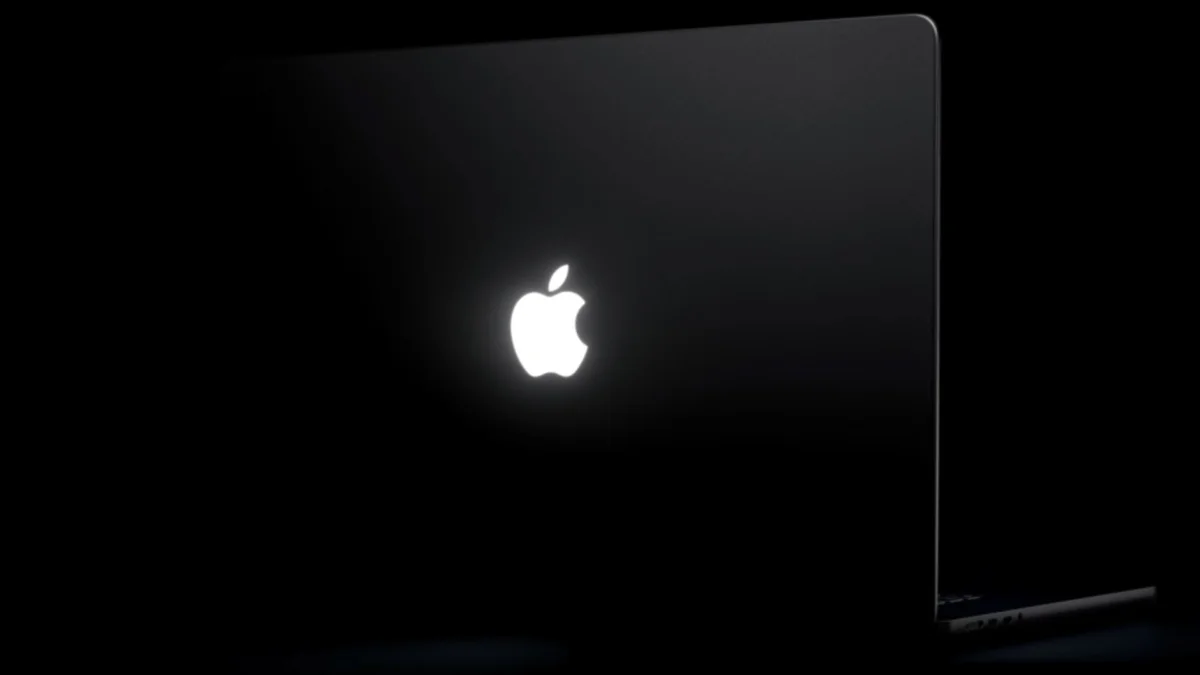
'Backglow' Lets You Customize New MacBook Pro's Glowing Apple Logo
The "Backglow" app by designer Juan Buis allows users to customize the illuminated Apple logo on new MacBook Pro models. The free version offers manual brightness adjustment and a "Breathe" mode for a gentle pulsing effect. Users can also turn off the logo light with a single click, eliminating the need for Terminal commands. The Pro version, available for a one-time payment, adds "Music" mode, which synchronizes the logo's light with played music. It also introduces "Agents" mode, where the logo pulses when Claude Code is active and blinks for user attention.Apple reintroduced the glowing logo on the latest 14-inch and 16-inch MacBook Pro models, having phased it out in 2015. Unlike older models where the logo was backlit by the display, the new PROLED XDR displays required a custom light source. This innovative engineering was implemented to revive the popular aesthetic feature without increasing lid thickness.By default, the logo illuminates when the Mac is awake and adjusts brightness based on screen levels and ambient light. The logo is lit by a white LED, incapable of color changes.