Microsoft Power BI Blog
Follow
Chat with Copilot inside a report on the Power BI mobile app (Preview)
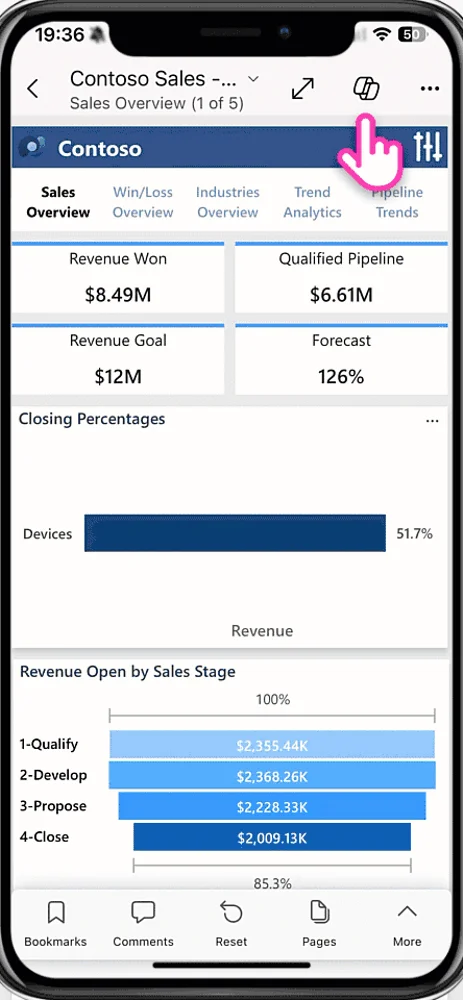
The Power BI mobile app now features an enhanced in-report Copilot, offering a full conversational chat experience. This update allows users to summarize, inquire about, and analyze report data directly from their phones and tablets. Previously limited to summaries and predefined prompts, the Copilot now mirrors the chat-based capabilities found in the Power BI service. Users can generate summaries, ask questions, and explore data through follow-up inquiries within the mobile app. The Copilot analyzes report content, providing insights and often including interactive visualizations alongside text responses. Tapping on visuals allows for detailed exploration and interaction with the data. When summarizing, the Copilot provides a summary with citations that link to the corresponding visuals in focus mode. Users can copy responses or share insights directly from the visual pane. Voice support, including dictation and read-aloud features, is available on iPhones and iPads. This new chat experience enhances data analysis on the go and aids in preparing for discussions around specific reports. The feature is available for reports meeting Copilot requirements, accessible through a button in the header. The developers encourage user feedback to improve the Copilot's future releases.