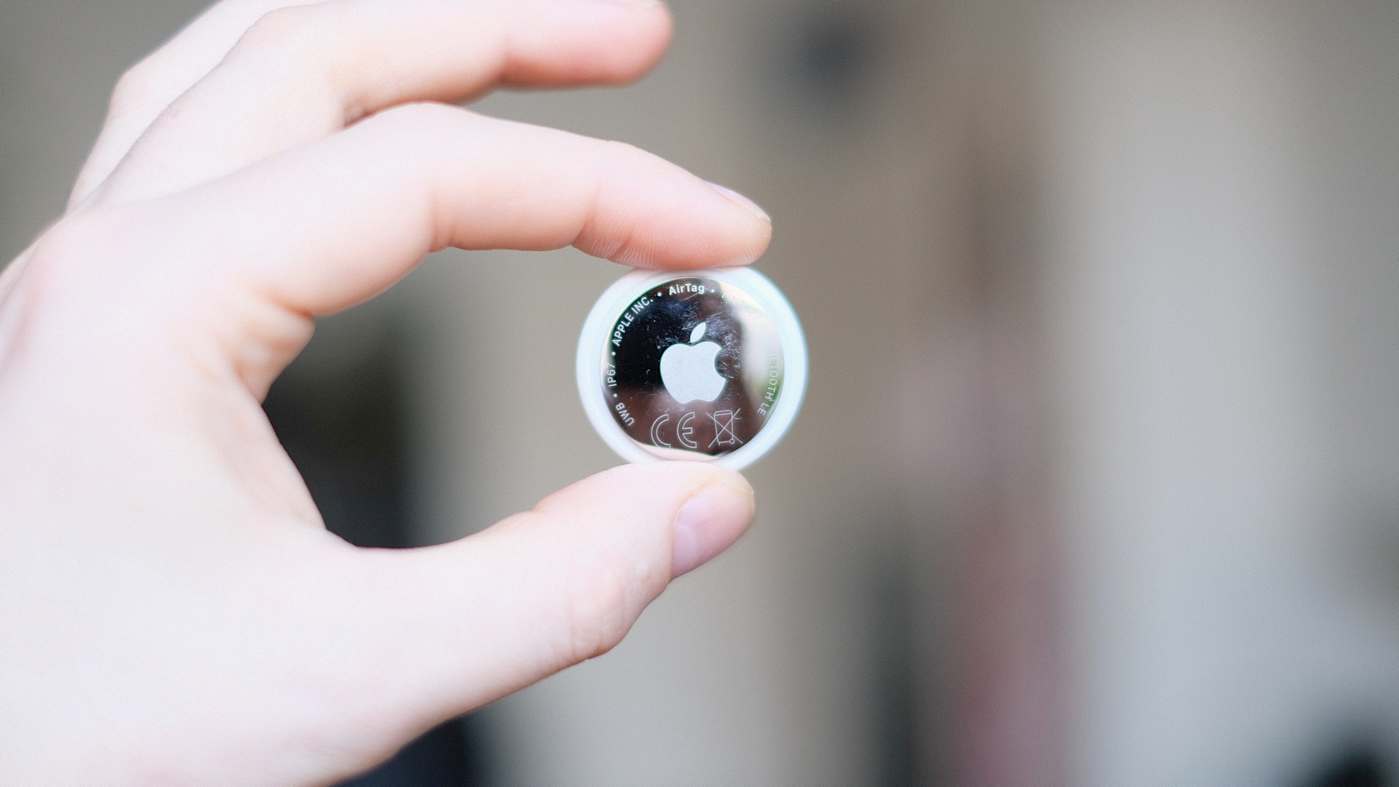
The article provides a guide to setting up Precision Finding for AirTags on Apple Watches. First, ensure your Apple Watch is a Series 9 or newer, or an Ultra 2 or later, and up to date with watchOS 26.2.1. The setup involves using the Watch app on your paired iPhone to check and install any necessary software updates. Then, establish that your AirTag is connected to your iPhone. The confusing part is that Precision Finding is accessed through the watch's Control Center, not the Find Items app. To add the feature, open the Control Center's edit menu and add the Find Items shortcut. Select the desired AirTag through this shortcut. Customize the shortcut's position in the Control Center for convenience. Finally, access Precision Finding from the Control Center to locate your AirTag. The interface helps pinpoint the AirTag's location using distance readings and a ringing feature.

engadget.com
engadget.com

RSS Hunter
2026-02-05
Create attached notes ...