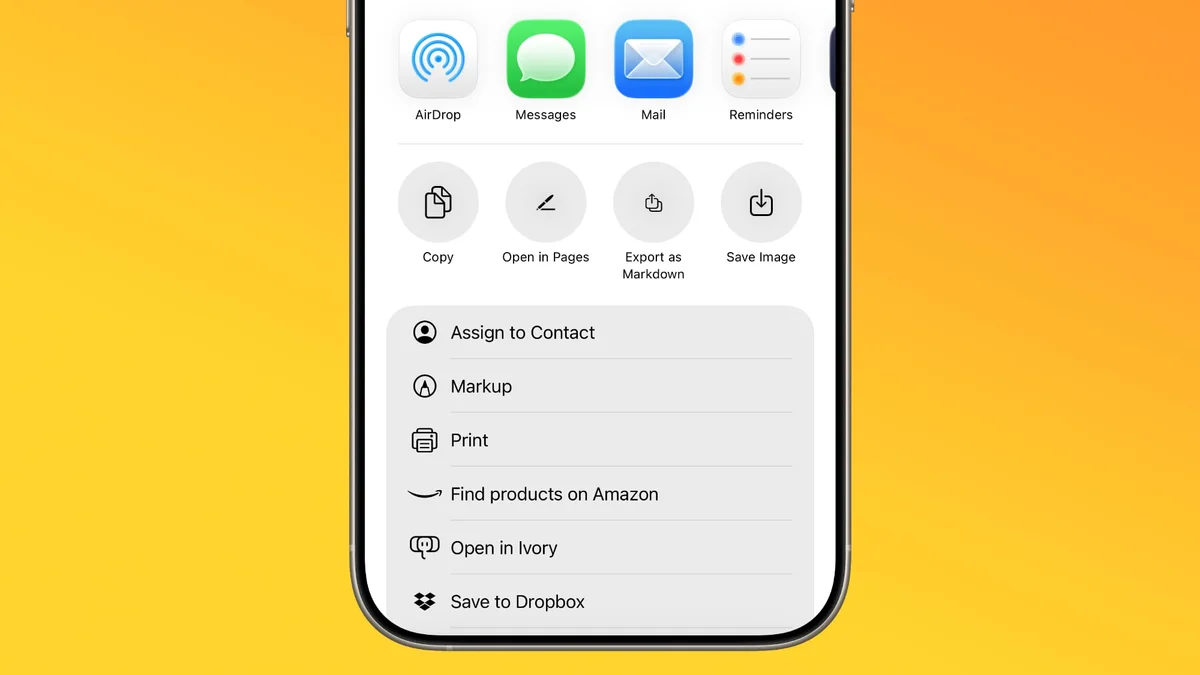
iOS 26: Import and Export Markdown Files in Apple Notes
Apple Notes in the upcoming iOS 26 beta now supports Markdown. This allows users to seamlessly import and export files in the popular plain-text formatting language. Markdown simplifies writing with plain text symbols for formatting, making text readable and easily convertible to styled content. The new feature enables importing existing Markdown files into Notes, preserving formatting like headings and links. Conversely, users can export their Notes content as Markdown for use in other applications. While writing in Notes, the app continues to display rich text formatting. The Markdown conversion occurs during import and export, with plain text formatting visible outside of Notes. To import a Markdown file, locate it, share it to Notes, and tap import. Exporting a note involves opening it, tapping the share icon, and selecting "Export as Markdown." The exported file retains the note's structure and formatting as standard Markdown syntax. This update bridges the gap between existing Markdown workflows and Apple's native note-taking app.