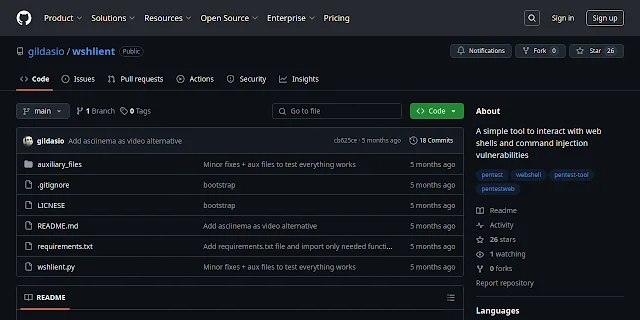
Wshlient - A Simple Tool To Interact With Web Shells And Command Injection Vulnerabilities
Wshlient is a web shell client that is simple yet versatile, allowing users to create a shell by injecting commands into an HTTP request. To use Wshlient, users need to create a text file containing an HTTP request and specify where the commands should be injected. The tool only requires the "requests" library, which can be installed using pip or by running the requirements.txt file. Once installed, users can run Wshlient using the command "./wshlient.py -h" to view the help menu. The help menu displays the various options available, including enabling debug output, replacing whitespaces with $IFS, and disabling command URL encoding. Users can also specify tokens to mark the beginning and end of output. Wshlient is open to contributions, which can be made by using and sharing the tool, reporting bugs, suggesting features, or coding. The goal is to keep Wshlient simple and easy to use. The tool can be downloaded from its GitHub repository. Overall, Wshlient provides a convenient way to create a shell by injecting commands into an HTTP request.