DEV Community
Follow
Azure Integration Services Interview Prep Part 4: Application Insights, Log Analytics, Distributed Tracing, and Debugging a Broken Pipeline
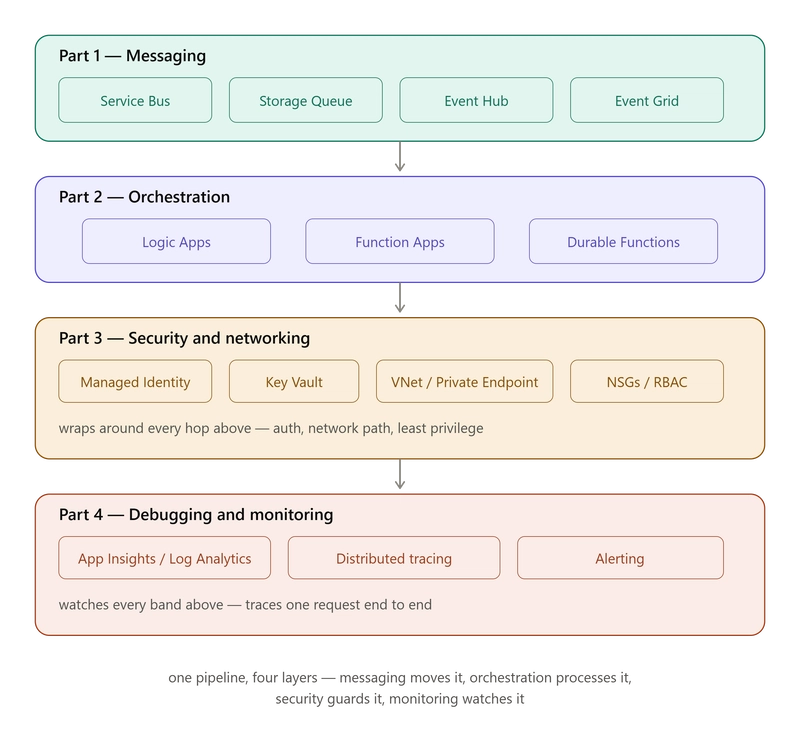
This article delves into the essential debugging and monitoring toolkit for Azure integration pipelines, building upon previous discussions of messaging services, orchestration, and security. Application Insights acts as a flight data recorder, automatically capturing telemetry like requests, dependencies, exceptions, and custom logs from code-driven components such as Function Apps and APIs. Activation involves installing a NuGet package and configuring a connection string, often leveraging Key Vault for security.Log Analytics Workspace serves as the centralized, queryable data store for telemetry from various Azure services, including Application Insights, Function Apps, Logic Apps, Service Bus, SQL, and APIM. This allows for cross-service correlation of data within a single workspace through Kusto Query Language. Diagnostic settings on individual services are configured to direct their logs to this workspace.Kusto Query Language (KQL) is then employed within the Log Analytics workspace or Application Insights to perform ad-hoc investigations, answering specific questions across multiple services. Example queries demonstrate how to identify failed requests across the entire pipeline or specifically within Service Bus dependencies.Distributed tracing, facilitated by a unique operation_Id, automatically tracks a single request's journey across all touched services. This identifier propagates across HTTP calls, Service Bus messages, and Function App executions, enabling reconstruction of an entire request's path.Logic Apps provide a built-in Run History, offering a deterministic, step-by-step replay of each trigger and action for every execution. Failed runs can be visually inspected for their exact inputs and outputs, with the option to resubmit after addressing the underlying issue.Function App failures are investigated using Live Metrics for real-time monitoring and Application Insights' Failures blade for post-failure analysis, including detailed stack traces. This comprehensive toolkit ensures visibility and diagnostic capabilities across the entire Azure integration pipeline.