Planet Python
Follow
Brett Cannon: How to publish to PyPI using GitHub Actions securely
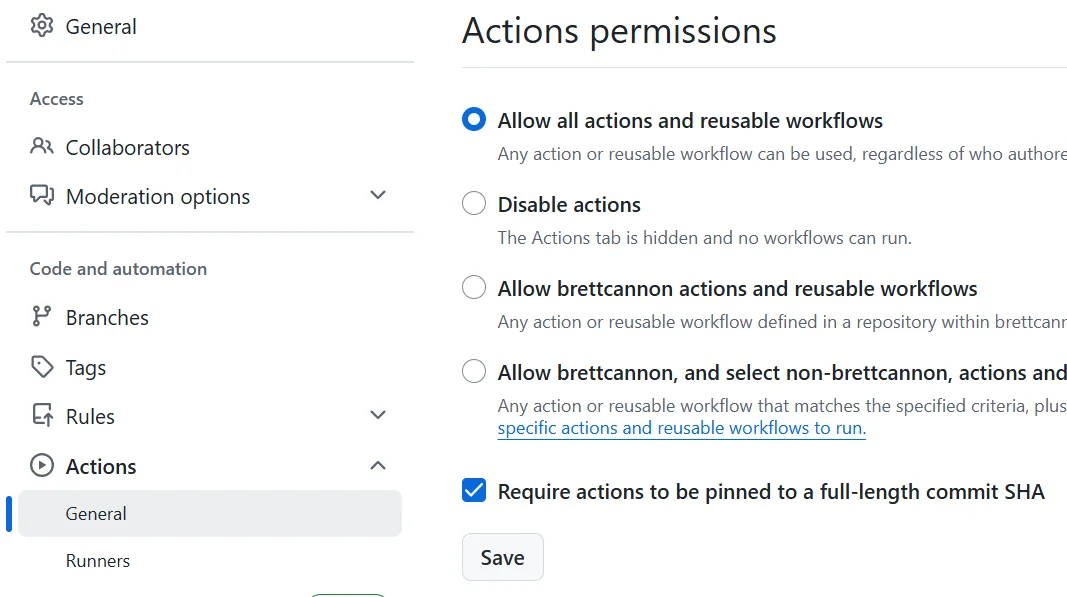
Recent security incidents involving GitHub Actions workflows highlight its potential as a vulnerability in publishing processes. This post offers three mitigation strategies for secure PyPI publishing using GitHub Actions. It emphasizes that the advice is specifically for publishing, not building, and that separate workflows for each are recommended.The first step is to use the zizmor tool to identify and fix insecure defaults in your GitHub Actions workflows. This involves running zizmor to automatically fix issues and manually addressing any remaining problems. Three common issues zizmor flags are overly broad default permissions, persisting credentials after checkout, and the lack of pinning actions to specific commit hashes.To address broad permissions, set global permissions to empty and then specify job-level permissions explicitly. For checkout actions, set persist-credentials to false to prevent credential leakage. Pinning actions to commit hashes, rather than tags, prevents compromise through malicious code updates to those tags. Tools like gha-update, zizmor, or Pinact can help automate this pinning process.The second key strategy is to integrate zizmor into your CI pipeline. Doing so reports any security issues as private code scanning results, providing a checklist for gradual remediation. The third and final recommended step is to implement Trusted Publishing for PyPI. This eliminates the need to manage API tokens and leverages GitHub's security infrastructure.When setting up Trusted Publishing, it is crucial to configure a GitHub environment. Within this environment, requiring reviewers for publishing workflows adds a vital approval gate. This approval process, even if it's just your own approval, protects against accidental or malicious triggering of releases. These three steps significantly enhance the security of publishing to PyPI via GitHub Actions.