This article, the third in a series, details setting up a CI/CD pipeline for a Node.js application on AWS. It builds upon previous parts which covered Dockerization, deployment to EC2, auto-scaling, and load balancing. The pipeline ensures that every push to the 'main' branch on GitHub triggers an automated build and deployment process.
First, the codebase is prepared with a buildspec.yml for AWS CodeBuild, defining how to build and push the Docker image to ECR.
Next, deployment scripts (before_install.sh, application_stop.sh, application_start.sh) are added for AWS CodeDeploy to manage image updates, environment variable refreshes, and container restarts on EC2 instances. An appspec.yml file configures CodeDeploy to use these scripts.
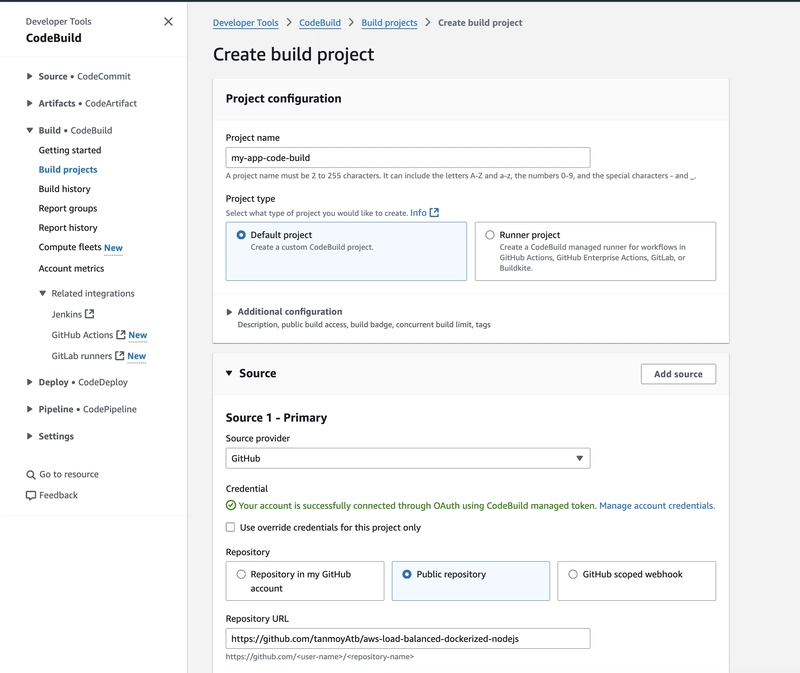
AWS CodeBuild is then configured with an IAM role and a project to execute the buildspec.yml, building the Docker image and pushing it to ECR.
AWS CodeDeploy is set up with a dedicated IAM role and an application to manage deployments to the EC2 Auto Scaling Group.
Finally, an AWS CodePipeline is created to orchestrate the entire workflow, connecting GitHub, CodeBuild, and CodeDeploy. It is configured to trigger on pushes to the 'main' branch, initiating the build, image push, and subsequent deployment to all running instances. The pipeline can be tested manually and automatically with code changes. This completes the transformation of a simple Node.js app into a production-grade, auto-scaled, and continuously deployed application on AWS.

dev.to
dev.to

RSS Hunter
2026-05-01
Create attached notes ...