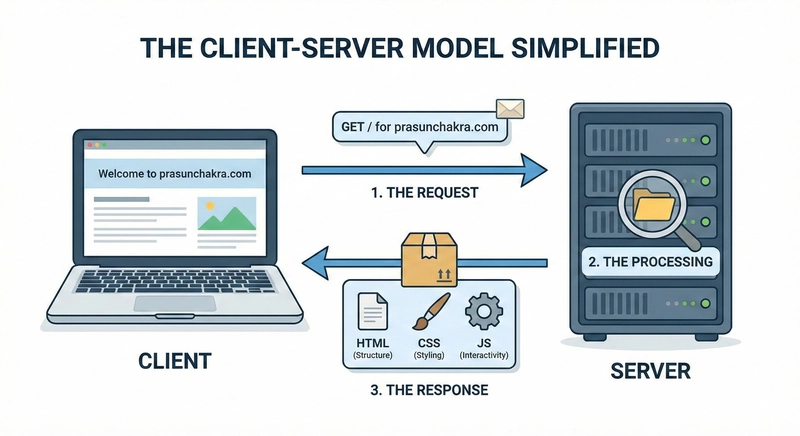
When you type a website address like prasunchakra.com, your browser initiates an HTTP request to fetch the webpage. This request involves a back-and-forth communication between your browser and the server hosting the website. First, your browser needs to find the server's IP address using Domain Name System (DNS) lookups. These lookups first check local caches, then the OS and router, eventually querying DNS resolvers. Resolvers use a hierarchical structure, starting with root servers, then top-level domains, and finally, the authoritative server. Once the IP address is found, the connection phase begins, utilizing the TCP 3-way handshake for reliable data transfer. HTTPS connections add a TLS/SSL handshake for encryption, ensuring secure communication. After the secure connection is established, the HTTP request is sent, and the server responds with the webpage content. The browser then builds the Document Object Model (DOM) and CSS Object Model (CSSOM) from the HTML and CSS. JavaScript is executed, potentially modifying the DOM dynamically. Finally, the browser creates a render tree, calculates layout, paints the pixels, and composites the final page display.

dev.to
dev.to

RSS Hunter
2026-02-06