Google Cloud Blog
Follow
Here’s which Google AI developer tool to use for each situation
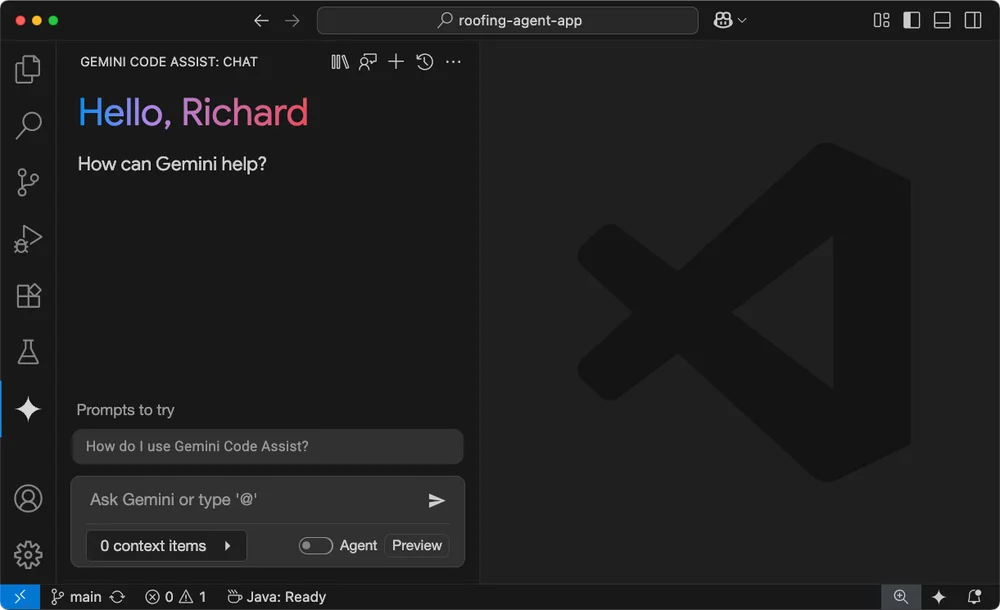
The landscape of developer tools has undergone a significant transformation, akin to how personal technology has consolidated and diversified. Generative AI has fueled this evolution, creating a more dynamic and diverse set of tools for software engineering. These new AI-powered tools can be categorized into delegated, supervised, and collaborative approaches to assistance. Delegated options involve outsourcing tasks with detailed instructions for quick completion. Supervised assistance involves more interactive AI that acts like an employee, scaling through experience-based intent. Collaborative methods foster a back-and-forth learning process with AI assistants. Jules is ideal for explicit, batch-oriented code improvements on GitHub. The Gemini CLI offers a fast, flexible, and extensible interface for code and content interaction or delegation. Gemini Code Assist is a rich IDE extension for conversational or agentic codebase interactions, providing code completion, test generation, and more. Firebase Studio is designed for building professional-grade software in a Google-managed, browser-based environment without requiring professional developer expertise. Google AI Studio is the best platform for interacting with Google's latest models, experimenting with prompts, and coding lightweight web apps. The Gemini app is suitable for quick app prototyping, while the Gemini CLI is for generative AI projects needing speed and portability. Jules is recommended for GitHub projects requiring articulated changes, and Gemini CLI GitHub Actions are for delegating background tasks to GitHub repos. Ultimately, these tools are complementary, and developers will likely use a mix to achieve their goals.