DEV Community
Follow
How to Create a virtual network in Azure.
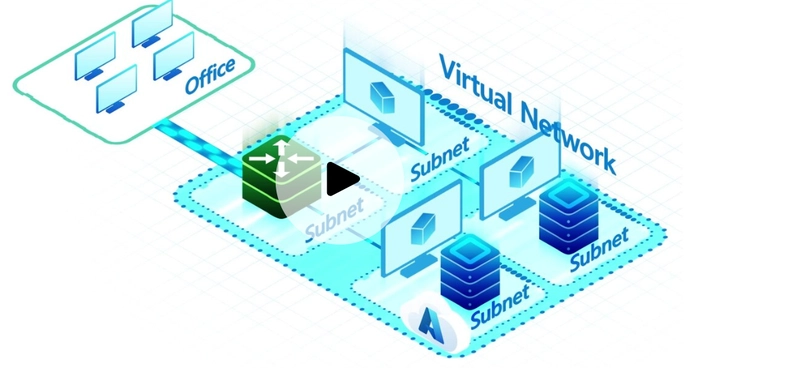
A Virtual Network (VNet) in Azure is a cloud-based, logically isolated network for secure resource connectivity. It forms the foundation for private networks, enabling Azure resources to communicate securely with each other, the internet, and on-premises networks. This article demonstrates creating a hub and spoke architecture using two VNets: app-vnet and hub-vnet. The app-vnet is designed to host applications with frontend and backend subnets for web and database servers respectively. The hub-vnet is configured with a subnet specifically for a firewall. Both VNets are created in the East US region. The tutorial details using the Azure portal to create these VNets and their respective subnets. The process involves searching for virtual networks, initiating the creation, and configuring details like resource group, name, region, and IP address spaces. After creating app-vnet with its frontend and backend subnets, the hub-vnet is created with its AzureFirewallSubnet. Finally, a crucial step is configuring virtual network peering between app-vnet and hub-vnet. This peering allows secure and private communication between the two networks. The peering is established by adding a peering connection from app-vnet to hub-vnet and vice versa. Upon successful deployment, the peering status should be confirmed as "Connected".