Planet Python
Follow
Mike Driscoll: An Intro to Spiel – Creating Presentations in Your Terminal with Python
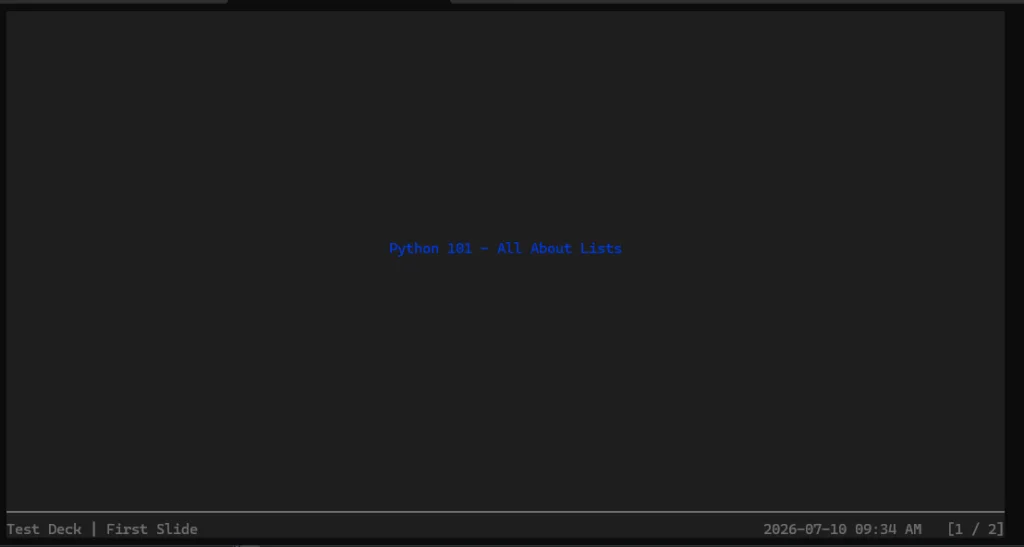
Spiel is an open source project that allows users to create presentations in their computer's terminal, which is an uncommon need but a clever solution. The project uses the Rich package to create the slides for the presentation, but it is currently archived and uses an old version of Textual that cannot be upgraded. To try Spiel, users can either use Docker or install it using pip, and it is recommended to install it in a Python virtual environment. Once installed, users can check if it is working by running the Spiel demo. Creating a presentation with Spiel involves creating a deck and adding slides, which can be done using a decorator or by adding Slide objects to the deck. The documentation provides examples of how to create a one-slide presentation and a more complete example with custom slides. Users can move to the next or previous slide using the arrow keys and exit by pressing CTRL+C. Spiel seems like a neat package, but it is a shame that it is currently archived, and hopefully, the author will reopen it or someone else will pick up the torch. In the meantime, users can still use it in a Python virtual environment and give it a try. Overall, Spiel is a unique and interesting project that allows users to create presentations in their terminal, and it is worth exploring despite its current archived status. The project's functionality and examples provided in the documentation make it easy for users to get started and create their own presentations.