DEV Community
Follow
Performance Boost: Ditching Heavy JS Libraries for Native CSS @keyframes
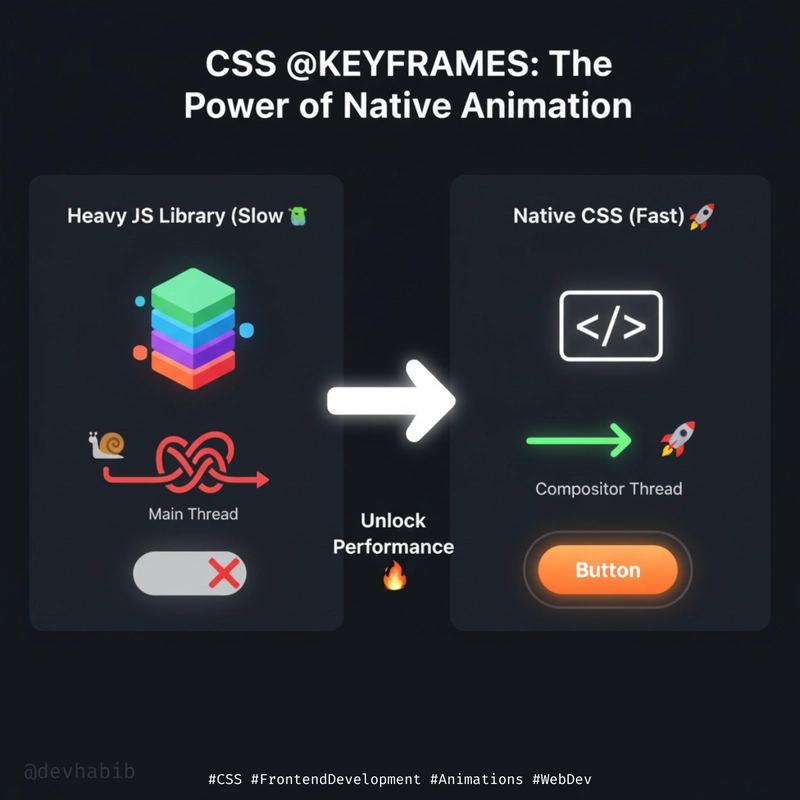
For purely visual animation tasks like hovers or pulses, CSS animations offer superior performance compared to JavaScript libraries. Using CSS animations reduces bundle sizes and leverages the browser's hardware acceleration. The @keyframes rule defines animation states, while properties like animation-name, animation-duration, and animation-iteration-count control animation behavior. A subtle button pulse effect illustrates a practical application of CSS animations. The example code demonstrates defining keyframes for scaling and box-shadow changes. Applying the animation involves setting the animation property with specified values. CSS animations utilizing transform and opacity benefit from hardware acceleration. Profiling animations is recommended, but CSS is generally faster for simple, continuous effects. Native CSS should be preferred for smoother user experiences in basic animations.