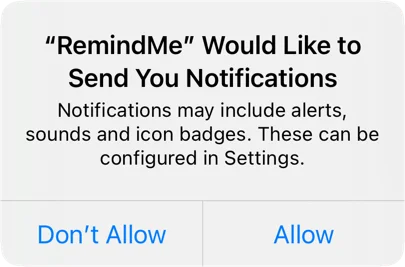
Provisional Authorization of User Notificatons
Requesting permission to send local user notifications requires explicit authorization from the user, which can be done by calling the requestAuthorization method with the desired options. However, this can interrupt the user with a permissions prompt, which may not be ideal. Provisional authorization, introduced in iOS 12, provides an alternative by allowing notifications to be delivered quietly without interrupting the user. To request provisional authorization, add the .provisional option to the authorization request. When using provisional authorization, notifications are delivered to the notification center with buttons that allow the user to keep or turn off notifications. The user can choose to deliver notifications immediately, quietly, or as part of a scheduled summary. Provisional authorization does not grant full permission to show alerts or badge the app icon, which requires the user to change their notification settings. To check for permission, consider the provisional status when checking the authorization status. Provisional authorization may be a fair compromise for most apps, but it ultimately depends on the specific use case. Checking the authorization status before sending a notification is crucial to ensure that notifications are delivered correctly.