Reducing Motion of Animations
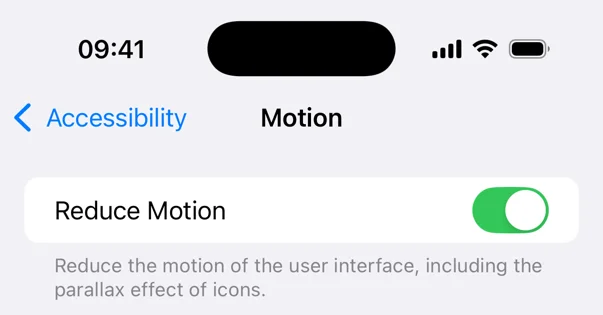
Apple's Human Interface Guide advises against adding motion to a user interface without a purpose, as it can be distracting and uncomfortable for users. Motion should be optional and not the only way to communicate important information. Certain types of motion, such as oscillating motions and large animations, can be problematic for users. Users can request to reduce motion in their device accessibility settings, which can affect standard view transitions. However, custom animations require developers to take action themselves by disabling or replacing problematic motion. The reduce motion setting can be detected in SwiftUI views using the @Environment property. The documentation suggests avoiding large animations that simulate the third dimension when the reduce motion setting is enabled. To disable animations, developers can create computed properties that take the reduce motion state into account. This can be done by returning nil for the animation when the reduce motion setting is enabled, effectively disabling the animation. Developers need to decide when and how to respond to the reduce motion setting for their own animations.