The article discusses how to manage the vertical alignment of content within a scroll view in SwiftUI, particularly when adapting to dynamic type sizes. Initially, a simple scroll view is used to accommodate content that may exceed the screen's height. However, this leads to the content aligning at the top when it's smaller than the scroll view, which is undesirable. iOS 17 introduced the defaultScrollAnchor modifier, but it lacks the nuance to center content only when it fits within the scroll view. iOS 18 addresses this with a new defaultScrollAnchor modifier that includes a role parameter. This parameter enables developers to customize the anchor point for different situations, including aligning content smaller than the container using .alignment. By setting the anchor to .center for the .alignment role, the content is centered when it fits and aligns to the top when it exceeds the container's height. The two variants of view modifier can be used together to change the default and override the anchor for specific roles. The new modifier provides a more refined approach to managing scroll view content alignment based on its size relative to the container. This ensures a better user experience by dynamically adjusting the content's vertical position.
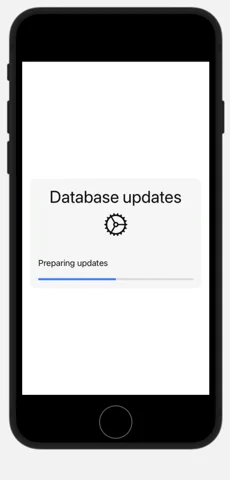

defaultScrollAnchormodifier, but it lacks the nuance to center content only when it fits within the scroll view. iOS 18 addresses this with a newdefaultScrollAnchormodifier that includes aroleparameter. This parameter enables developers to customize the anchor point for different situations, including aligning content smaller than the container using.alignment. By setting the anchor to.centerfor the.alignmentrole, the content is centered when it fits and aligns to the top when it exceeds the container's height. The two variants of view modifier can be used together to change the default and override the anchor for specific roles. The new modifier provides a more refined approach to managing scroll view content alignment based on its size relative to the container. This ensures a better user experience by dynamically adjusting the content's vertical position.