DEV Community
Follow
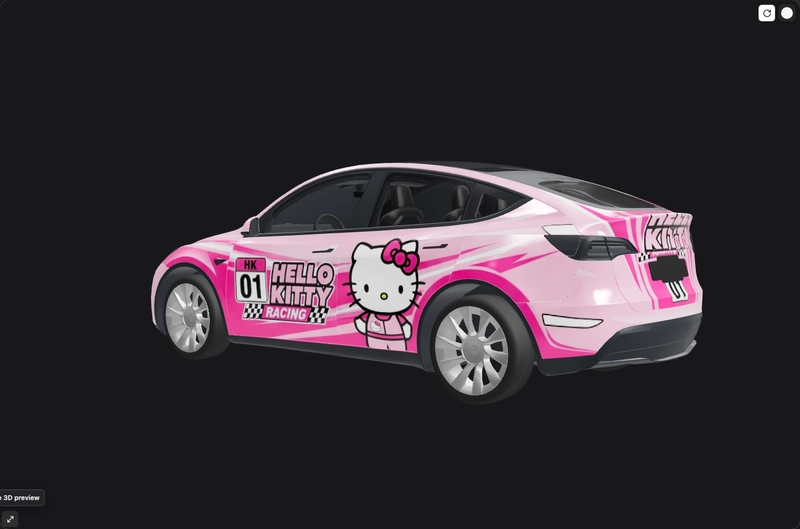
Tesla Wrap Design: Check the Template, 3D Preview and Export Separately
Designing a Tesla wrap involves a three-step validation process: matching the template, inspecting artwork in a 3D preview, and validating the exported PNG. First, designers must use the exact vehicle template from Tesla’s official custom-wrap repository, ensuring the correct folder identifier and panel mapping. Second, artwork placement needs careful inspection in a 3D preview, building base colors and main graphics before details. Designers must check all views, paying close attention to stripes crossing panels and lettering orientation. This preview ensures that flat-image elements correctly map to their respective body panels. Finally, the exported PNG file must be independently validated. This includes adhering to Tesla's specifications: file size under 1 MB, filenames under 30 characters using approved characters, and verifying lettering and edges after optimization. A missing file points to import or file issues, while incorrect artwork placement indicates template or mapping problems. The workflow also covers layer order and panel seams, all based on official instructions and editorial recommendations. This guide is for WrapLab3D, offering advice without claiming actual vehicle import tests.