The CSS hack that extends your website on iOS Safari
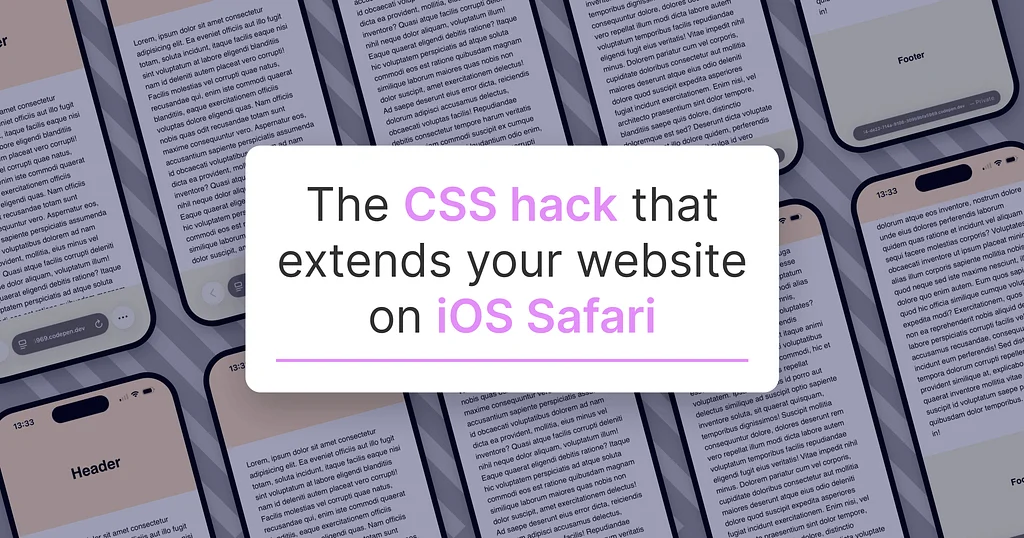
Websites can achieve a more luxurious feel, akin to a hardcover book, through a simple CSS trick for iOS Safari users. By default, iOS Safari extends website content behind the status and tab bars, displaying the body's background color. This can result in a plain white extension if no background color is specified.To enhance this, a CSS background color can be applied to the body, making the extensions align with the header and footer, creating a more cohesive look. However, this method forces the top and bottom extensions to share the same color, which may not always be ideal. A more advanced solution involves creating separate fixed elements for the top and bottom extensions to match distinct header and footer colors, but this can be complex.A more practical approach is to implement a simpler hack, using only a .top element. This allows the bottom extension to inherit the body's color, offering a subtle and less obtrusive user experience. The author tested these techniques on macOS and iOS versions 26, but notes that future updates may affect their effectiveness. Ultimately, these CSS tricks aim to elevate the website from mere content delivery to a more engaging experience.

.topelement. This allows the bottom extension to inherit the body's color, offering a subtle and less obtrusive user experience. The author tested these techniques on macOS and iOS versions 26, but notes that future updates may affect their effectiveness. Ultimately, these CSS tricks aim to elevate the website from mere content delivery to a more engaging experience.